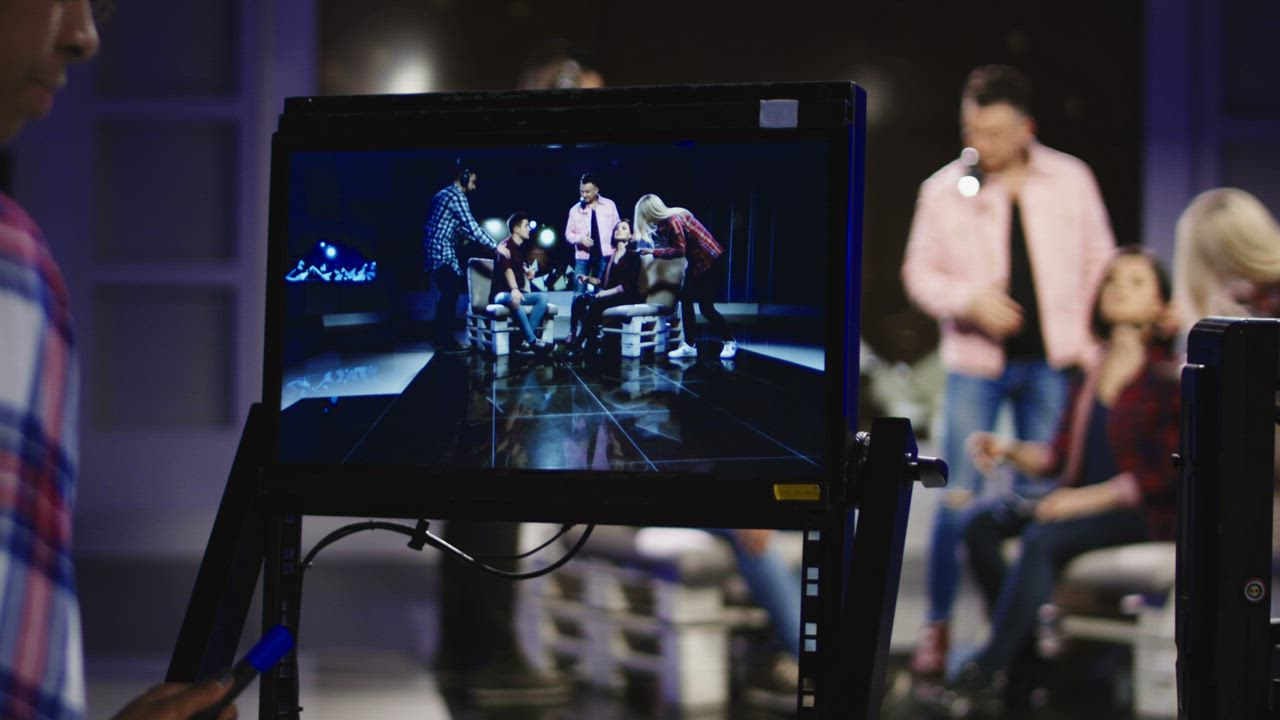
In a live stream there is no second take. Whatever fails, fails in front of hundreds of people. That's why at Tatanfilms the most important work of a conference happens days before the event. This is the checklist we go through on every project.
1. The internet connection
It's the first thing that can bring a stream down. Ask for a wired connection, not wifi, dedicated only to the stream. Measure the upload speed at the exact spot where the console will be, ideally at the same time of day as the event. As a rule of thumb, the stable upload should be at least twice the quality you will stream at.
Always have a backup: a second internet provider or a mobile modem ready to kick in if the main connection drops.
2. The site visit
- Where the cameras go and what each one sees.
- Available power outlets and their distance to the equipment.
- The stage lighting: whether faces look good on camera.
- Where the cables run without getting in the audience's way.
- Who the venue's technical contact is on the day of the event.
3. The audio
Audiences forgive an imperfect image, but not bad audio. Take the signal straight from the auditorium's sound desk, use wireless microphones for the speakers and always monitor with headphones. If there will be audience questions, decide which microphone they'll use so they can also be heard on the stream.
4. Presentations and graphics
Ask for the presentations in advance and in 16:9 widescreen format. Decide how you'll capture the speaker's screen and prepare graphics with the name and title of each person who speaks. Check the spelling of the names: it's the first thing attendees notice.
5. The platform
YouTube, Zoom, Facebook or your own platform: each has its advantages. Decide whether the link will be public or private, who moderates the chat and how questions are sent. Always run a private test stream on the real platform, not just on the equipment.
6. Team roles
- Who directs the stream and makes the live decisions.
- Who is the client's contact during the event.
- Who operates cameras, audio and graphics.
- Who moderates the chat and takes the questions to the stage.
7. Plan B
Things fail. The difference is having an answer ready. We use a backup switcher, record each camera separately on site so we don't depend on the internet, and keep a «we'll be right back» screen ready for any unexpected pause.
A good stream goes almost unnoticed. A bad one is remembered forever.
8. After the event
The stream ends, but the content doesn't. Deliver the full recording, edit clips of the best talks for social media and review the metrics: how many people tuned in, how long they stayed and where they watched from.
Quick checklist
- Wired, dedicated internet with a backup.
- Site visit done and speed test at the venue.
- Audio from the sound desk, monitored with headphones.
- Presentations received and graphics checked.
- Private test on the real platform.
- Roles defined and contacts at hand.
- Local recording and plan B ready.
In short
A well-streamed conference is the result of good preparation. If you check these points in time, on the day of the event you'll only have to worry about the content. We are preparing a downloadable checklist with this protocol, and if you want us to stream your next event, see how we work.